HOW TO SET THE PAGE SIZE IN WORD
As an extension to our aim of customer service excellence we present the following tutorial on Word and trust it will assist you in preparing your file, should you have any further questions or require assistance please contact our friendly design staff on 1800 645 233.
# INTRODUCTION:
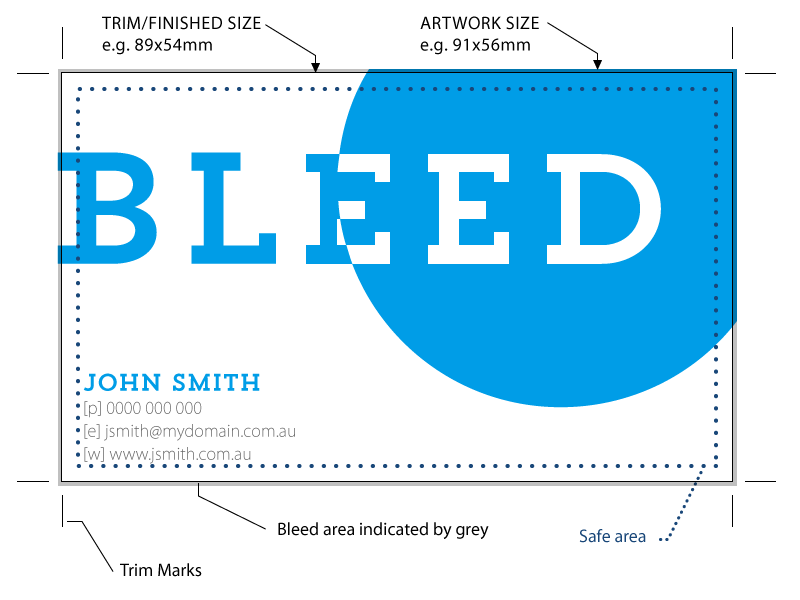
The following tutorial is designed to help you change the page size in Word, as word often sets the page size to "Letter" by default. You will probably need to change that to the untrimmed size of your job (see the bleed tutorial for more info on untrimmed size) here are the instructions for how to change the page size.
1) Click File > Pagesetup
2) In paper size select A4
3) Click OK
1) If you have already started your document you will probably need to reshape things a bit after this to get them to fit. You may also want to change your margins (see our setting page margins tutorial for more info).
|